


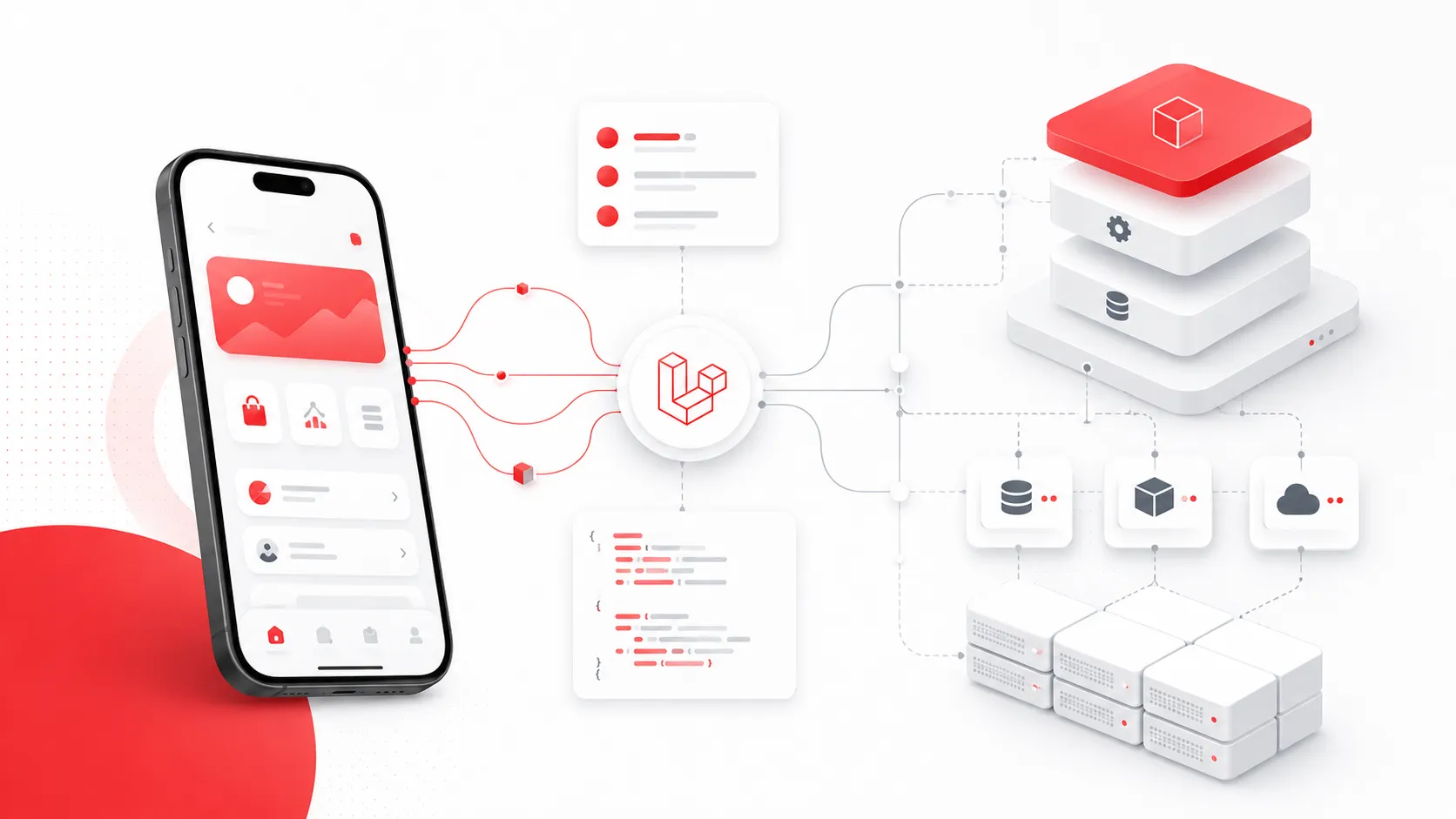
When building mobile applications, the backend API is not just a data source. It becomes the foundation of the product experience.
A mobile app depends on the API for authentication, content delivery, user progress, settings, notifications, payments, analytics, and many other features. Because of that, I try to structure Laravel APIs in a way that is clean, predictable, scalable, and easy to maintain over time.
In this article, I’ll explain how I usually structure Laravel APIs for mobile apps and what I pay attention to when designing backend systems for real products.
1. I Start with Clear API Versioning
For mobile apps, API versioning is very important because users may keep older app versions installed for a long time.
That’s why I prefer using a versioned API structure such as:
/api/v1/...
This gives the backend enough flexibility to evolve without breaking existing mobile clients.
A typical route structure may look like this:
Route::prefix('v1')->group(function () {
    Route::prefix('mobile')->group(function () {
        Route::get('/profile', [ProfileController::class, 'show']);
        Route::get('/content', [ContentController::class, 'index']);
    });
});
This approach keeps the API predictable and makes future changes easier to manage.
2. I Separate Mobile API Logic from Web/Admin Logic
A Laravel project may include multiple interfaces: a mobile API, an admin panel, internal tools, or a public website.
I prefer not to mix all of these responsibilities inside the same controllers. Mobile APIs usually have different needs than admin panels. For example, a mobile screen often needs optimized, compact, app-specific responses, while an admin panel may need richer data and management actions.
A clean structure may look like this:
app/
  Http/
    Controllers/
      Api/
        V1/
          Mobile/
            AuthController.php
            ProfileController.php
            ContentController.php
      Admin/
        DashboardController.php
This helps keep the codebase easier to understand as the product grows.
3. I Use Form Requests for Validation
I try to avoid placing validation logic directly inside controllers.
Instead, I use Laravel Form Request classes. This keeps controllers focused on the actual flow of the request and makes validation reusable and easier to test.
Example:
public function update(UpdateProfileRequest $request)
{
    $user = $request->user();

    $user->update($request->validated());

    return new UserResource($user);
}
This makes the controller cleaner and keeps validation rules in a dedicated place.
4. I Use API Resources for Consistent Responses
For mobile apps, response consistency is critical. The frontend should not have to guess field names or response formats.
Laravel API Resources help me control exactly what data is returned to the mobile app.
Example:
class UserResource extends JsonResource
{
    public function toArray($request): array
    {
        return [
            'id' => $this->id,
            'name' => $this->name,
            'email' => $this->email,
            'avatar_url' => $this->avatar_url,
        ];
    }
}
This also prevents accidentally exposing unnecessary database fields to the client.
5. I Keep Controllers Thin
I don’t like controllers becoming large files full of business logic.
For simple cases, a controller can directly call a model or service. But when the logic grows, I move it into service classes, action classes, or dedicated domain layers.
A controller should usually answer these questions:
Who is making the request?
Is the request valid?
Which service/action should handle it?
What response should be returned?
The actual business rules should live somewhere more focused.
Example:
public function completeLesson(CompleteLessonRequest $request, Lesson $lesson)
{
    $result = $this->lessonProgressService->complete(
        user: $request->user(),
        lesson: $lesson
    );

    return new LessonProgressResource($result);
}
This structure makes the code easier to test and easier to change later.
6. I Design Responses Around Mobile Screens
One mistake I try to avoid is designing APIs only around database tables.
Mobile apps are screen-based. A screen may need data from multiple tables or services. Instead of forcing the mobile app to make too many requests, I sometimes create endpoints that are optimized for specific screens.
For example:
GET /api/v1/mobile/home
This endpoint may return:
{
  "user": {},
  "daily_goal": {},
  "recent_progress": {},
  "recommended_content": []
}
This can reduce unnecessary network requests and improve the user experience.
The important part is balance: I avoid making every endpoint too specific, but I also don’t force the mobile app to assemble everything manually when the backend can do it more efficiently.
7. I Use Standard Error Responses
Mobile apps need predictable error handling.
I prefer returning clear and consistent error responses, especially for validation errors, authentication issues, permission problems, and business rule failures.
Example:
{
  "message": "The selected lesson is not available.",
  "code": "lesson_not_available"
}
For validation errors, I keep Laravel’s standard structure when possible because it is already well understood and easy to handle on the frontend.
Consistent errors make it easier to show proper messages in the app and debug problems during development.
8. I Pay Attention to Authentication Strategy
Authentication depends on the project.
For some mobile apps, Laravel Sanctum is a good fit. For apps using Firebase Authentication, the Laravel API can verify the Firebase user and map that user to an internal application user model.
In that kind of setup, I usually treat the external provider ID as an important identifier, but I still keep my own user-related data inside the Laravel backend.
This gives the app flexibility to store things like:
user profile
preferences
progress
subscriptions
notifications
activity history
The goal is to keep authentication secure while keeping the application data under control.
9. I Avoid Overloading the Mobile App with Backend Rules
A mobile app should handle presentation and interaction, but core business rules should usually live on the backend.
For example, if a user earns XP, unlocks a badge, completes a lesson, or accesses premium content, the backend should be responsible for deciding what happens.
The mobile app can display the result, but the backend should own the rule.
This protects the system from inconsistent behavior and makes the product easier to maintain across Android, iOS, and future clients.
10. I Prepare the API for Real Product Growth
Even if the first version of an app is small, I try to structure the API with future growth in mind.
That includes thinking about:
pagination
rate limiting
background jobs
queues
notifications
media handling
caching
logging
analytics events
staging and production environments
These details may not all be needed on day one, but the structure should not make them difficult to add later.
Good backend architecture is not about making everything complex from the beginning. It is about creating a foundation that can grow without becoming messy.
Conclusion
When I structure Laravel APIs for mobile apps, my main goal is to create a backend that is reliable, understandable, and easy to evolve.
I focus on clear versioning, clean controllers, request validation, consistent resources, predictable errors, screen-friendly endpoints, and backend-owned business rules.
For me, a good API is not only something that returns data. It is a product foundation that supports the mobile experience, protects the business logic, and makes future development faster and safer.
No comments yet