


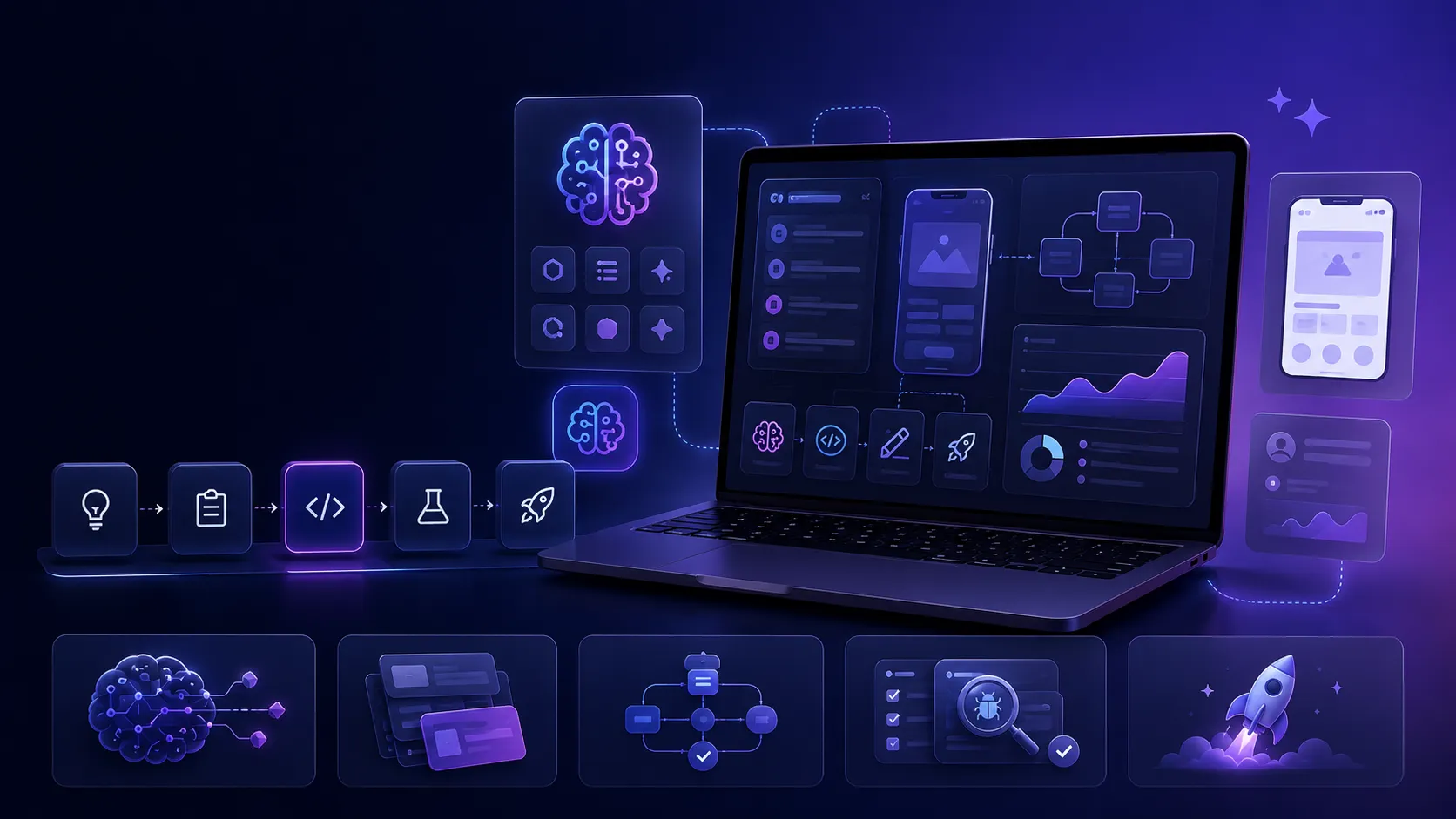
AI tools have become an important part of how I build software products.
I don’t see AI as something that replaces the developer or product builder. I see it as a powerful assistant that can help with research, planning, architecture, coding, debugging, writing, testing, and iteration.
For me, the real value of AI tools is not only speed. The bigger value is clarity. AI helps me think through product decisions, compare alternatives, document ideas, and turn rough concepts into structured development tasks.
In this article, I’ll explain how I use AI tools in product development and where they fit into my workflow.
1. I Use AI to Clarify Product Ideas
At the beginning of a product, ideas are usually unclear.
There may be a general goal, but the details are not fully defined yet. AI helps me turn those early thoughts into something more structured.
For example, I use AI to explore questions like:
Who is this product for?
What problem does it solve?
What features are really necessary for the first version?
What should be postponed?
What makes the product useful or different?
This helps me avoid jumping directly into development without understanding the actual product direction.
AI is useful here because it can challenge the idea, ask better questions, and help me see missing parts of the product.
2. I Use AI for Product Planning and Roadmaps
After the idea becomes clearer, I use AI to organize the product into phases.
Instead of trying to build everything at once, I prefer breaking the product into smaller steps.
A typical planning flow may include:
MVP scope
Core features
Future features
Technical requirements
Admin panel needs
API requirements
Mobile app screens
Deployment stages
AI helps me create structured development plans, task lists, and implementation phases.
This is especially useful when working on larger products where backend, mobile app, admin panel, content, notifications, payments, and analytics may all be connected.
3. I Use AI to Think Through Architecture
Architecture decisions affect the future of a product.
AI helps me compare different technical approaches before I commit to one.
For example, I may use AI to think through:
Should this feature be handled on the backend or frontend?
Should this logic be a service class, action class, job, or controller method?
How should the database tables be structured?
How should staging and production environments be separated?
How should mobile app builds connect to the correct API?
AI does not make the final decision for me. But it helps me evaluate trade-offs faster.
I still review the suggestions carefully and adapt them to the real project context.
4. I Use AI While Writing Code
AI tools are very useful during coding, especially when the task is clear.
I use AI for things like:
generating boilerplate code
creating Laravel migrations
drafting API controllers
writing service classes
building React Native components
refactoring existing code
improving naming
writing validation rules
This saves time, but I don’t blindly accept every suggestion.
AI can produce code quickly, but product code still needs human review. I check whether the code fits the project structure, naming conventions, security requirements, and long-term maintainability.
For me, AI is strongest when I already know what I want to build and need help producing or refining the implementation.
5. I Use AI for Debugging and Problem Solving
When something breaks, AI can help analyze errors and suggest possible causes.
I use it to understand:
Laravel errors
React Native issues
Expo build problems
deployment failures
environment variable mistakes
API response problems
authentication issues
server configuration errors
The important part is giving AI enough context.
A vague error message is usually not enough. I try to provide the relevant code, logs, environment details, and what I already tried.
This makes the answer much more useful and reduces random guessing.
6. I Use AI for Content and UX Writing
Product development is not only code.
A product also needs clear text, onboarding messages, empty states, error messages, notification copy, blog content, landing page sections, documentation, and store descriptions.
AI helps me write and improve:
landing page copy
app onboarding text
button labels
empty state messages
error messages
blog posts
App Store and Play Store descriptions
documentation
This is especially useful when building a multilingual product.
AI can help create consistent English and Turkish versions while keeping the tone aligned with the product.
7. I Use AI to Create Better Development Tasks
One of the most useful ways I use AI is turning product ideas into clear tasks for development.
Instead of giving a vague instruction like:
Build the reminder feature.
I try to create a more complete task description:
Create a reminder feature with user preferences, API endpoints, notification scheduling, mobile settings screen, validation, and analytics events.
AI helps me expand these tasks into:
requirements
file-level implementation notes
edge cases
test scenarios
expected behavior
acceptance criteria
This makes development more predictable and reduces misunderstandings.
8. I Use AI for Documentation
Documentation is easy to postpone, but it becomes very important as a product grows.
I use AI to help create and improve:
project plans
technical decisions
API documentation
deployment notes
feature specifications
developer handbooks
release checklists
Good documentation makes it easier to return to a project later, onboard other developers, or continue development with AI-assisted tools.
For long-term product development, documentation is not extra work. It is part of the system.
9. I Use AI for Testing Ideas and Edge Cases
Before implementing or releasing a feature, I often use AI to think about what can go wrong.
For example:
What happens if the user is offline?
What happens if the API returns an empty response?
What happens if the token expires?
What happens if the user is on an old app version?
What happens if a background job fails?
What happens if a notification is opened after the related content changes?
These questions help improve the product before users face the problems.
AI is useful here because it can generate edge cases that may not be obvious at first.
10. I Keep Human Judgment at the Center
AI tools are powerful, but they are not a replacement for judgment.
I still decide:
what should be built
what should be ignored
which architecture is right
which code is acceptable
which feature matters
which trade-off makes sense
AI can accelerate the work, but it should not control the product direction.
The best results come when AI is used with clear goals, strong context, and careful review.
Conclusion
AI tools have changed how I approach product development.
I use them for idea clarification, planning, architecture, coding, debugging, writing, documentation, testing, and iteration.
But the most important part is how they are used. AI works best when it supports a clear product vision and a thoughtful development process.
For me, AI is not a shortcut to skip thinking. It is a tool that helps me think better, build faster, and create more structured software products.
No comments yet